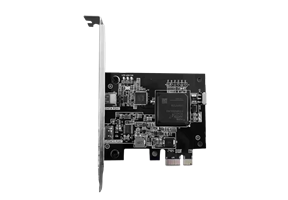
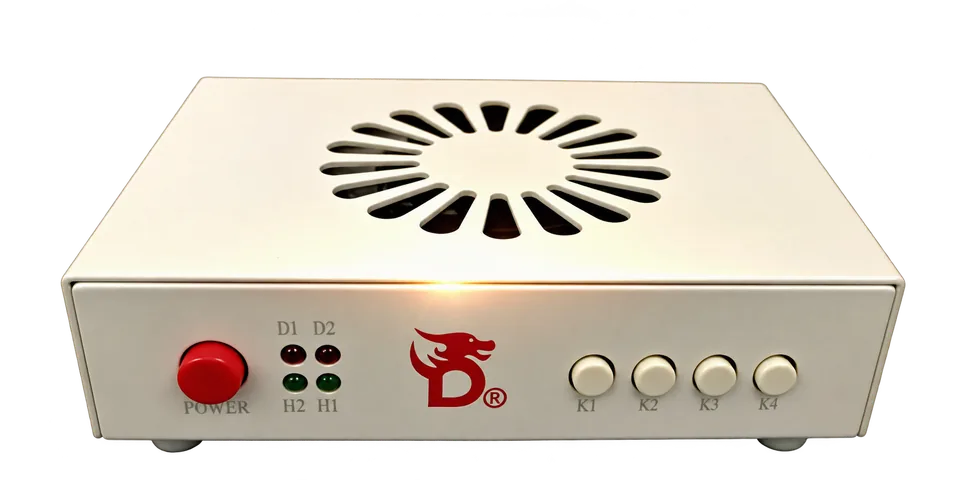
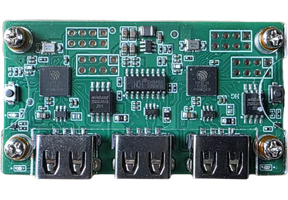
Dedicated cables
The dedicated cables required for the selected bundle come with it; confirm the exact included items on its product listing.
 Vigny DMAHARDWARE / FIRMWARE
A DMA card alone is different from a complete setup. Start with the PCs and display you own, then compare the exact contents of a bundle before paying. The dedicated cables required for the selected bundle are included.
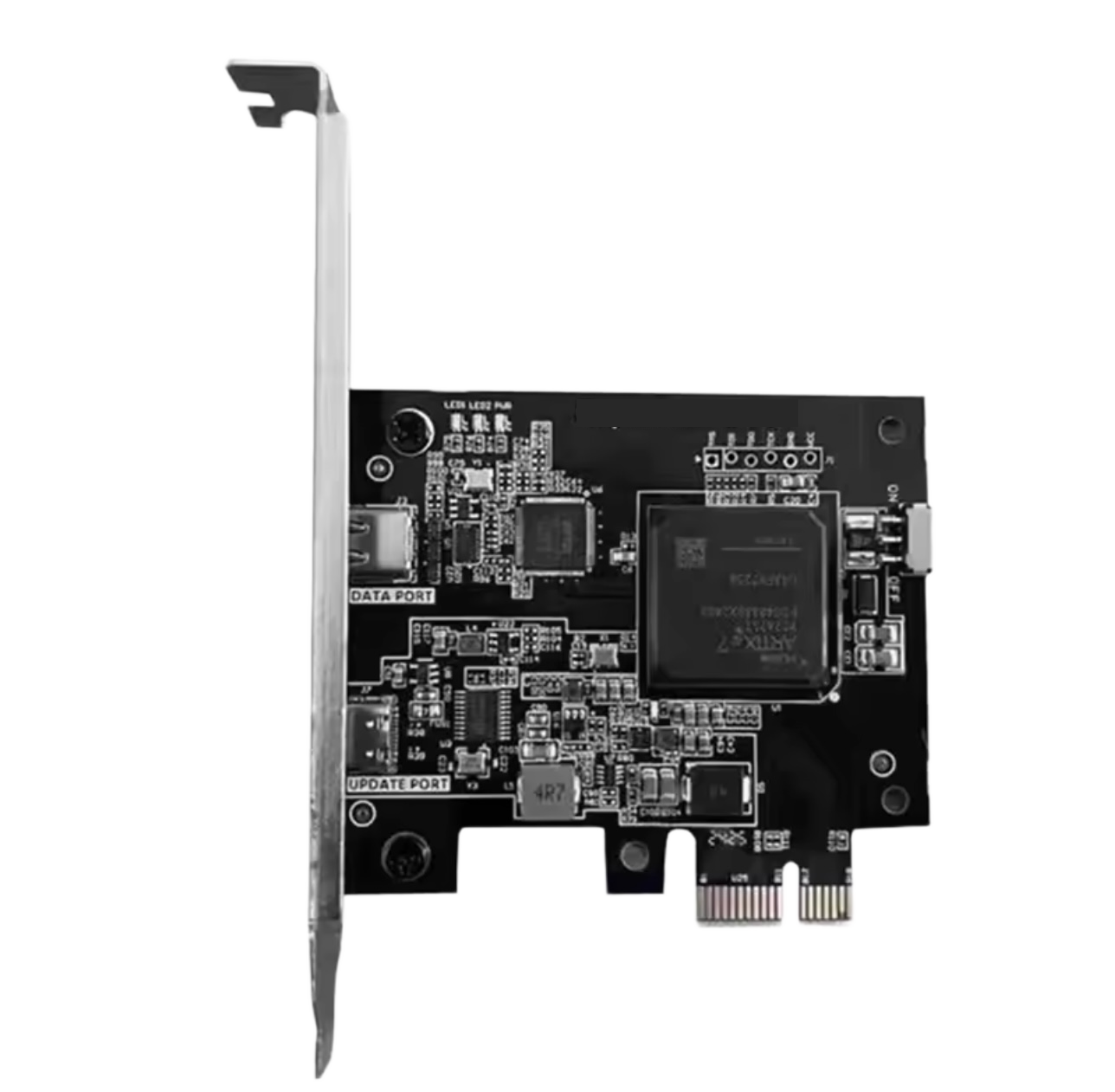
Product images are examples; check the selected listing for actual contents.
The dedicated cables required for the selected bundle come with it; confirm the exact included items on its product listing.
Buy our products and our team will guide you through driver installation, connections and initial setup at no extra charge.
Read the setup guides and inspect our free Windows tool even before buying hardware.
A bundle is only useful when its parts match your actual devices. Keep this four-step list beside the product listing and checkout.
Check the main PC slot and clearance, the second PC operating system and available USB ports. If a display path is involved, note the monitor resolution and refresh rate.
Compare the board revision, connectors and device identity with the firmware requirements. A 75T or 100T label alone does not prove a speed or software result.
Check whether the chosen listing includes a card, HDMI fuser, controller, firmware or a second PC. Do not buy an included cable twice; do not assume optional components are bundled.
Review the actual product price, shipping charge and order total at checkout. Ask official support about an uncertain configuration before submitting payment.
These are separate product types. Open each listing for the current price and exact contents.
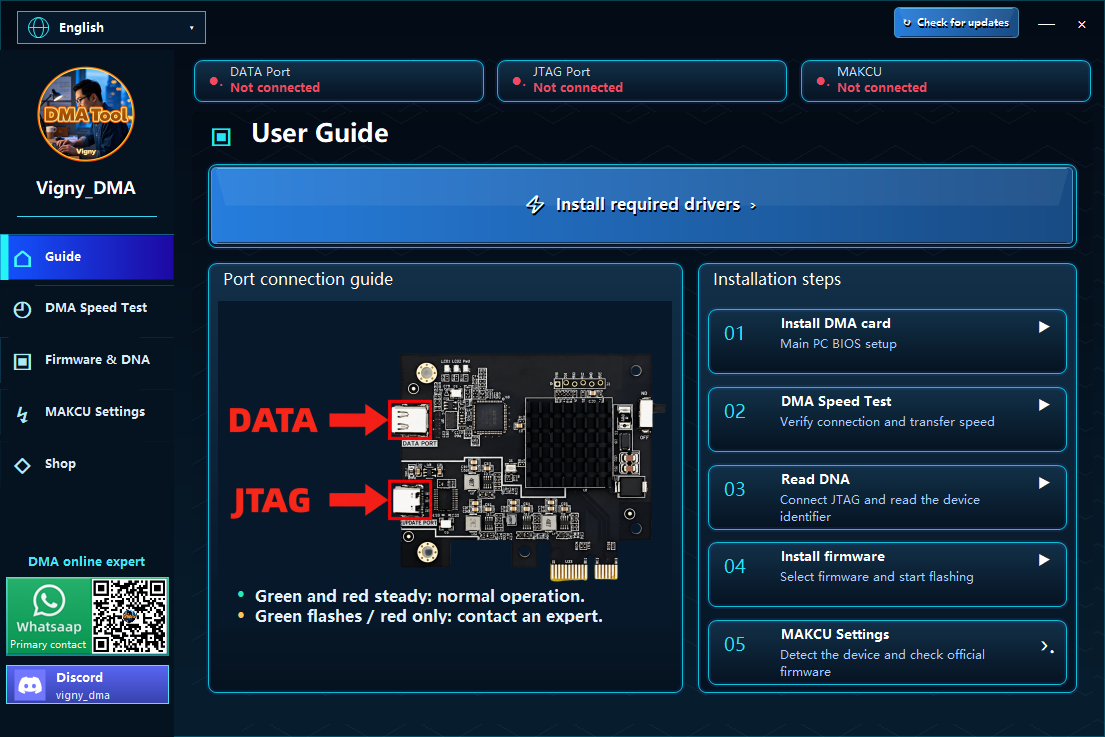
After buying our products, tell us the model and how it is connected. Our team will guide driver installation, cable connections and initial settings for that purchase. Send a non-sensitive error screenshot if something fails; keep passwords, verification codes and software keys private.
Vigny DMA Tool offers driver links, connection guidance and device/test screens. Check its actual device and firmware support before relying on a screen or result. Downloading the tool does not include paid hardware, firmware or software licenses.
Download the free toolNo. A card listing and a bundle listing can contain different parts. Compare the included-items list with the hardware you already own.
Only with the same board revision, firmware, tool version and test conditions. Transfer output, repeated stability and end-to-end latency are separate measures; we do not promise a benchmark result.
Select your destination during checkout and review the address and shipping quote shown there. If the destination or shipping option is unavailable, contact support before paying.
Technical reference: Microsoft Kernel DMA Protection. Use hardware and software only on systems you are authorized to manage. Microsoft Learn
Review the contents, ask about compatibility, then check the final total.